Identity Server Administration
WSO2 Identity Server is an identity and access management server that facilitates security, while connecting and managing multiple identities across different applications. It provides centralised user A person with the capability to log in to the CMP GUI software, such as a customer service advisor or agent. authentication and authorisation to the user across CMP Converged Monetisation Platform. The MDS Global product that supports customer care and billing for digital service providers. including Single Sign On.
Deployment
The Identity Server is an instance of WSO2 and OAuth2 is used for communication between the CMP components and the Identity Server.
For information on how to deploy the Identity Server, see the CMP Installation Guide.
Starting
To start the Identity Server service, use the following command:
To restart the Identity Server service, use the following command:
Stopping
To stop the Identity Server service, use the following command:
Monitoring Status
To check the status of the Identity Server service, use the following command:
Check the log file for any errors – sometimes the process is still running but not functioning.
Configuration
For a list of the properties that must be configured during installation and configuration, see the WSO2 Identity Server Properties section of the CMP Installation Guide.
Logs
The Summary File generated at the end of the installation process provides the location of log files for the Identity Server, for example the section pertaining to the Identity Server can look as follows:
The Identity Server Management Console
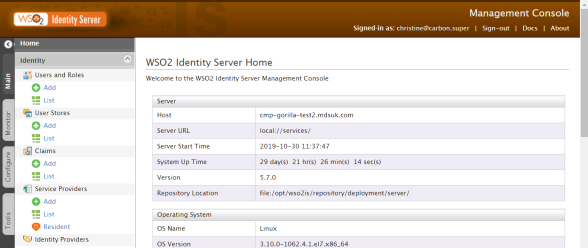
The Home screen of the Identity Server Management Console
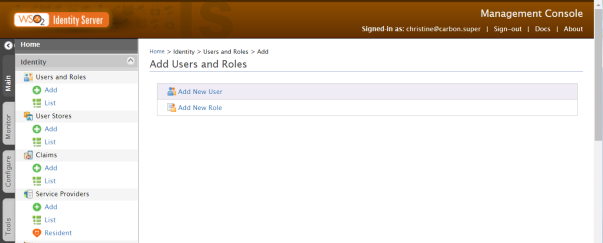
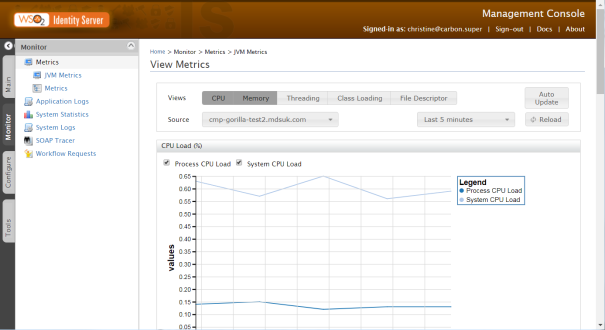
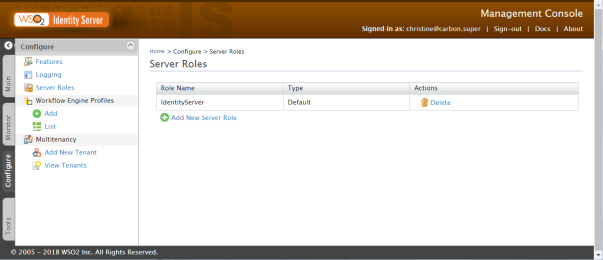
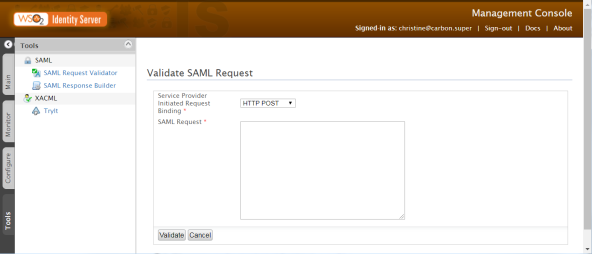
The Identity Server is managed in the Management Console, which has four main areas accessed by tabs on the left:
For more information, consult the WSO2 Identity Server Documentation.